HOW TOOL WORKS
STEP 1:
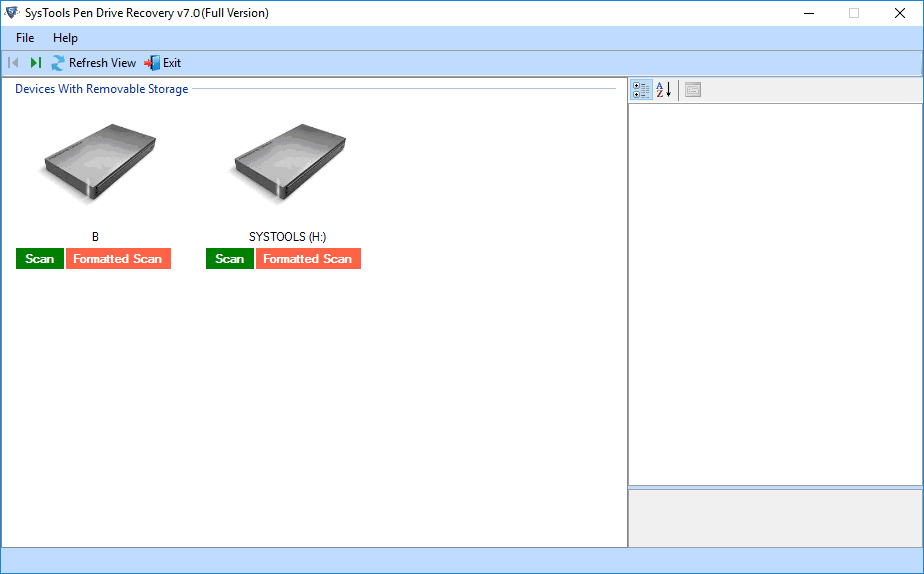
- Download the software and Run on local machine and click on the Scan Disk.
STEP 2:
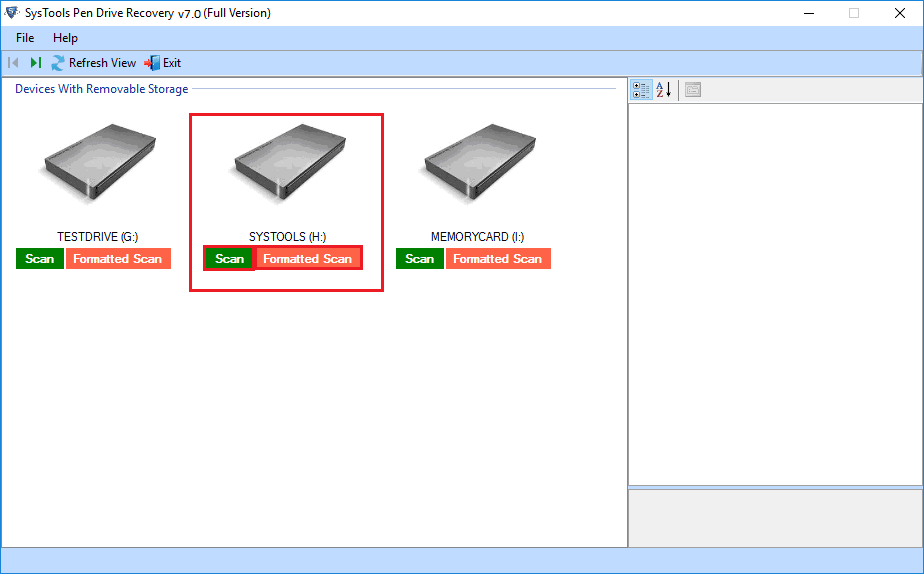
- Select the usb drive from which you want to recover inaccessible data as shown below.
STEP 3:
- Now a message will appear in pop up window select Normal Data. If you want to recover latest copied files only, click on Recover button.
STEP 4:
- If your files are deleted then select Deleted Files and Folders Only and click on Recover Button.
STEP 5:
- If you want to recover formatted data then select Formatted Partition and click on Recover Button.
STEP 6:
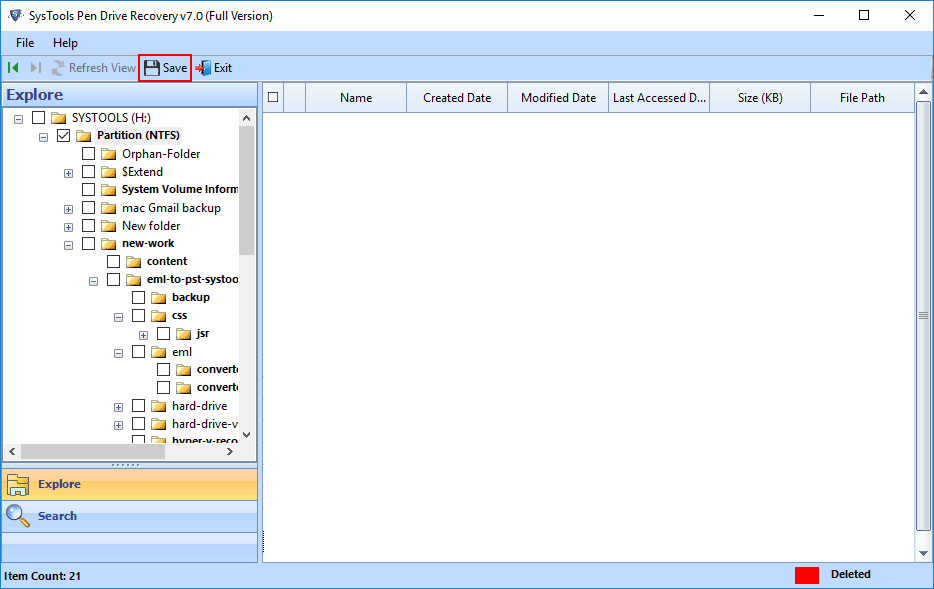
- You can view complete data in preview pane. You can search here for particular files.
STEP 7:
- Now click on the Save button to save the resultant file at any location.